
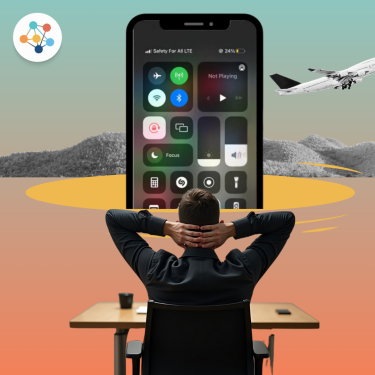
We rely on our smartphones for almost everything from maps and messaging to social media and streaming. But when it comes to mobile data, a common question arises: is it OK to keep mobile data always on? Whether you’re at home or traveling abroad, understanding how this setting impacts your device, battery, and costs can help you stay connected smartly.
What Does ‘Always-On’ Mobile Data Mean?
Having your mobile data “always on” means your smartphone constantly uses an internet connection through your mobile network, even when you’re not actively using apps. This allows background activities like automatic app updates, email syncing, GPS, and social media notifications to run without interruption.
Pros of Keeping Mobile Data Always On

Instant Access to Real-Time Info
You’ll never miss a notification or message, and apps can update in real-time. It’s great for navigation, ride-hailing, or urgent communication.
Better App Functionality
Some services, like cloud storage, GPS apps, or instant translators, perform better when always connected to data.
No Need to Manually Toggle
If you’re using an eSIM or roaming plan, you can easily switch networks or stay connected without toggling settings repeatedly.
Cons of Keeping Mobile Data Always On

Increased Battery Drain
Constant data usage, especially from background apps, consumes more battery power than Wi-Fi or on-demand data use.
Higher Data Consumption
Apps running in the background may consume more data than you realize, leading to unexpected usage spikes especially costly if you’re on a roaming plan.
How to Check and Control Mobile Data Usage?
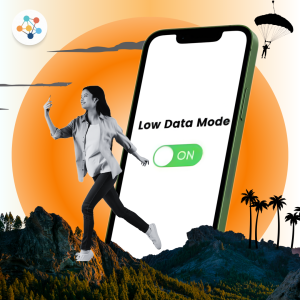
Enable Data Saver Mode
Most smartphones have a built-in data saver option that limits background data usage.
Monitor Data Usage
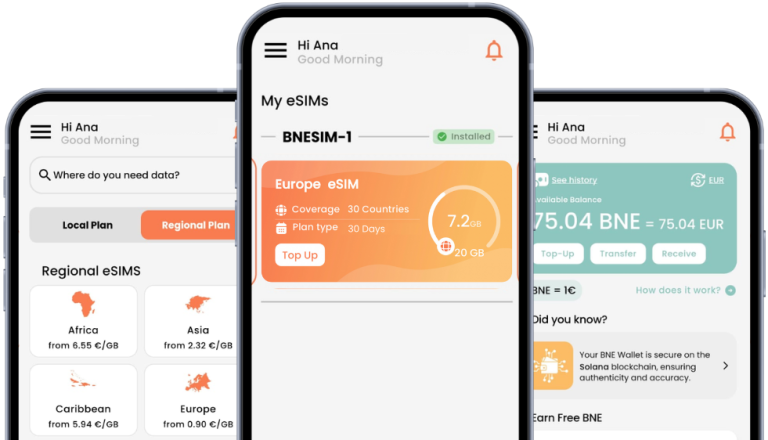
Use your phone’s settings to see which apps consume the most data or track usage easily in the BNESIM app if you’re using a BNESIM eSIM.
Set Data Limits or Warnings
▪︎ Android: Go to Settings > Mobile Network > Data warning & limit to set alerts and auto cut-off.
▪︎ iPhone: Track usage in Settings > Cellular > Cellular Data Usage and reset it monthly. Use apps like My Data Manager for alerts.
Use Wi-Fi Smartly
Connect to secure Wi-Fi at home, cafes, or hotels to reduce mobile data use.
Travel Tips for Managing Mobile Data Efficiently
▪︎ Download maps and media in advance to use offline.
▪︎ Use Wi-Fi whenever possible, especially for large downloads or updates.
▪︎ Switch to an eSIM like BNESIM to enjoy prepaid data with no roaming charges in over 200 countries.
▪︎ Disable background data for non-essential apps like social media or cloud sync.
▪︎ Activate Smart Top-Up feature to automatically refill your data when it runs low, so you never run out while traveling.
Always On or On-Demand?
So, is it ok to keep mobile data always on? The answer is yes, but only if you manage it properly. It offers real-time connectivity and convenience, especially when traveling or relying on mobile internet. However, the risks of battery drain and unexpected charges mean you should monitor your usage and adjust your settings when needed.
💡 Related Reads:

Kai Claide
A content creator with a love for the outdoors and pictures. A true beach person at heart, enjoys sunny coastlines, sipping matcha, and making the most out of every adventure. Curious and is always up for something fun.


 English
  Italiano