
If you’ve ever seen “PDP authentication failure” pop up on your phone screen, you know how frustrating it can be, especially when you’re trying to connect to the internet or send important messages. This error might sound complicated, but don’t worry. We’ll break it down and walk you through why it happens and how you can fix it.
What Is PDP Authentication Failure?
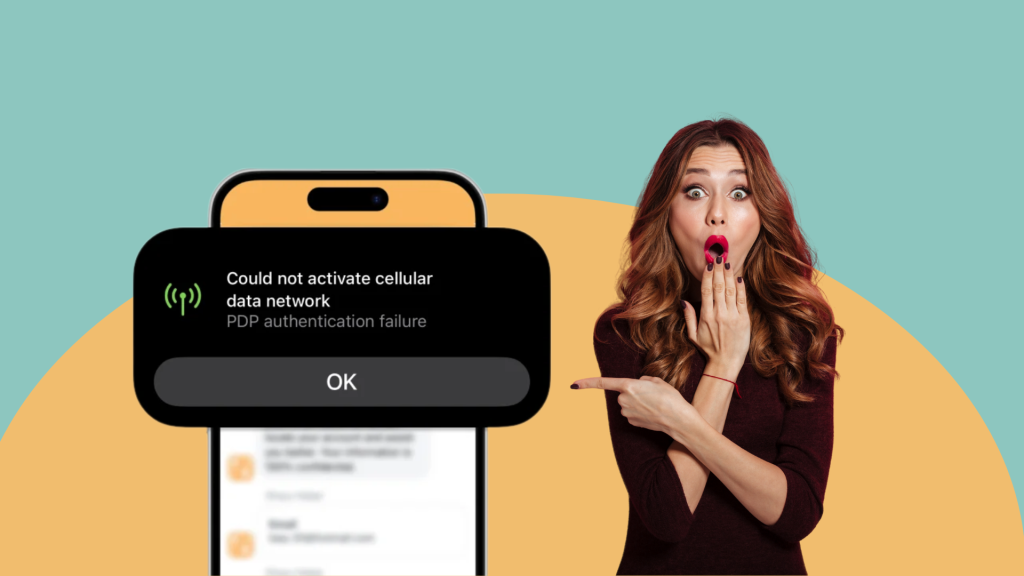
PDP stands for Packet Data Protocol, which is the framework that allows your phone to connect to your carrier’s mobile data network.
When you see a PDP authentication failure, it means your phone was unable to establish a valid connection between your SIM (or eSIM) and your carrier’s servers. In short, your device tried to log into the network but got denied.
When this happens, you might notice:
• Mobile internet not working even with signal bars
• Apps failing to load content
• MMS messages not sending
• Unexpected roaming charges if your device tries to reconnect repeatedly
Understanding this is the first step to troubleshooting, and the good news is that most PDP authentication issues can be fixed with a few checks.
Why Does It Happen?
Several factors can cause a PDP authentication failure:
1. Incorrect APN Settings
Your APN (Access Point Name) tells your phone how to connect to the internet. If these settings are wrong or outdated, your phone won’t authenticate.
2. SIM Card or Network Issues
A faulty SIM card, poor network signal, or temporary network outage can trigger PDP authentication failure. If your SIM is physically damaged or not inserted properly, your phone won’t establish a data session.
3. Account or Carrier Restrictions
Sometimes, your account may have restrictions such as unpaid bills, roaming blocks, or limited data packages. Carriers can reject your data connection request if your plan doesn’t allow international roaming or mobile data usage in that region.
4. Device Software Glitches
Outdated software or corrupted system files can also prevent your phone from connecting to the network correctly, resulting in repeated PDP authentication failures.
How to Check APN on Your Phone?
On iOS (iPhone)
- Go to Settings > Mobile Data (Cellular) > Mobile (Cellular)Data Options > Mobile (Cellular)Data Network
- Verify your APN details

On Android
- Go to Settings > Network & Internet > Mobile Network > Access Point Names
- Verify the APN details provided by your carrier.
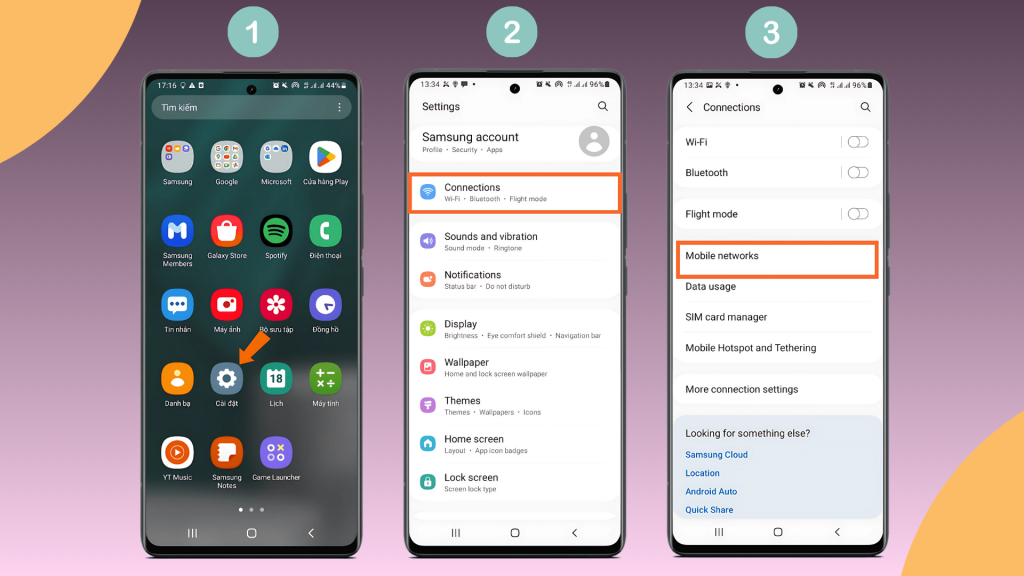
If your APN is correct and mobile data still doesn’t work, it’s time to troubleshoot further.
How to Fix PDP Authentication Failure?
Check First With the Most Common Reasons
- Mobile Network Signal: Ensure you have adequate signal strength. If you’re in a basement, elevator, or remote area, move to a spot with better reception.
- Data Roaming / Mobile Data Toggle: Turn Mobile Data off and on again. If you’re abroad, enable Data Roaming.
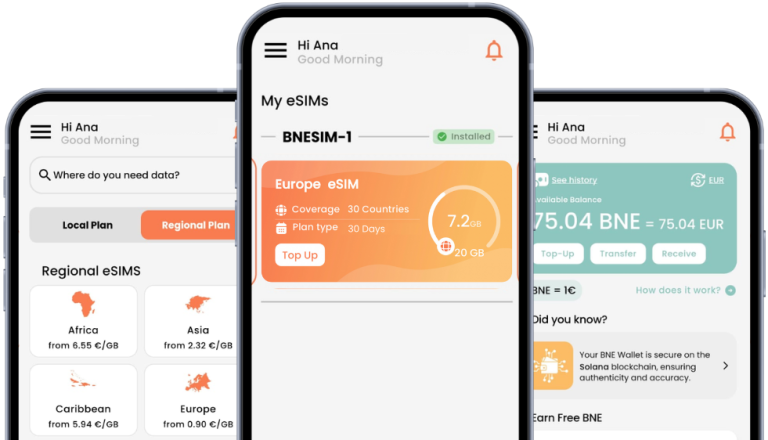
- eSIM Activation & Installation: eSIM users should ensure their profile is correctly installed. Sometimes, a re-download from your eSIM provider (like BNESIM) solves authentication issues instantly.
- Device Compatibility: Some devices may not support specific carrier bands or eSIM profiles. Check if your phone is compatible with the network.
Check Further If the Problem Persists
- Network or Carrier Restrictions: Some carriers limit which SIMs or eSIMs can connect, especially if your phone is carrier-locked. Using an unlocked phone or a compatible international eSIM like BNESIM can usually fix this.
2. SIM/eSIM Conflicts: If using dual SIM, ensure there’s no conflict between the SIM and eSIM. Sometimes deactivating one temporarily can resolve authentication issues.
3. Device Software or Firmware Updates: Update your phone to the latest iOS or Android version as outdated software can interfere with mobile network authentication.
4. Reset Network Settings:
• On iOS: Settings > General > Reset > Reset Network Settings
• On Android: Settings > System > Reset Options > Reset Wi-Fi, Mobile & Bluetooth
5. Corrupted eSIM Profile
Delete and reinstall your eSIM if necessary, but be careful: in some cases, deleted eSIMs cannot be restored.
How PDP Authentication Failure Affects Your Internet and Calls
When PDP authentication fails, it’s not just about slow internet.
• Mobile Data Disruption: You won’t be able to browse, use maps, or stream content.
• Impact on MMS and Messaging: Sending picture messages or media-heavy chats can fail.
• VoIP & eSIM Use: Internet calling via apps like WhatsApp or Messenger may be interrupted.
Preventing PDP Authentication Failures in the Future
• Always verify APN settings before traveling
• Keep mobile data and roaming toggles ready for quick activation
• Ensure your eSIM or SIM is compatible with the destination network
• Update your device software regularly
• Have a backup internet option, like a portable Wi-Fi hotspot
FAQs
Can PDP authentication failure stop all mobile data?
Yes. If authentication fails, you won’t be able to use internet services until it’s resolved.
Why does PDP authentication fail only in some locations?
Some regions may have poor coverage, roaming restrictions, or different APN requirements.
Does using an eSIM prevent PDP authentication failure?
While eSIMs reduce the risk of SIM-related issues, incorrect APN settings or carrier restrictions can still cause PDP authentication failure.
How long does it take to resolve PDP authentication failure?
Most issues can be fixed in minutes by checking APN settings or toggling mobile data. Carrier-related problems may take longer.
Conclusion
A PDP authentication failure can disrupt your data connection, but it’s usually easy to fix. From checking APN settings to resetting your network or reinstalling your eSIM, most solutions are straightforward. If nothing works, contacting your carrier is the best step.
Staying connected is crucial, whether for work, travel, or daily life and knowing how to troubleshoot PDP authentication errors will save you time and stress.
 If you want a seamless, reliable, and travel-friendly connectivity solution, consider switching to BNESIM’s eSIM.

Kai Claide
A content creator with a love for the outdoors and pictures. A true beach person at heart, enjoys sunny coastlines, sipping matcha, and making the most out of every adventure. Curious and is always up for something fun.




 English
  Italiano